Save 20-30 Hours
Of Preparation Time
Learn how to apply various AI tools and built-in free Windows features to your daily industrial and technical work and save hours every week. Stand out at the office as a hi-tech person.
Of Preparation Time
In Minutes
With Visual Impact
Input your text, concepts, or reports
Al creates diagrams, charts and visuals
Al turns content into polished slides
Transform your ideas, engineering concepts, and reports into professional visuals, drawings and presentations in minutes using AI.
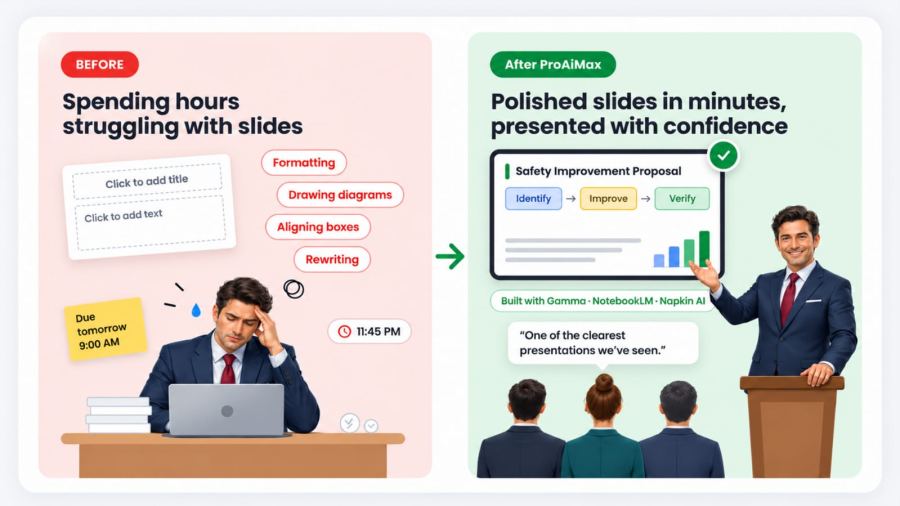
You need a presentation tomorrow morning for a safety improvement proposal, but all you have is text. Instead of struggling to design slides, you open an AI Image Assistant and give the text and get professional visuals and the AI builds your PowerPoint automatically. You present confidently and your boss say: “That was one of the clearest presentations we’ve seen.”
Communicate ideas clearly and visually; save 8-10 hours of preparing diagrams and presentations.
Software and platforms covered in this module